
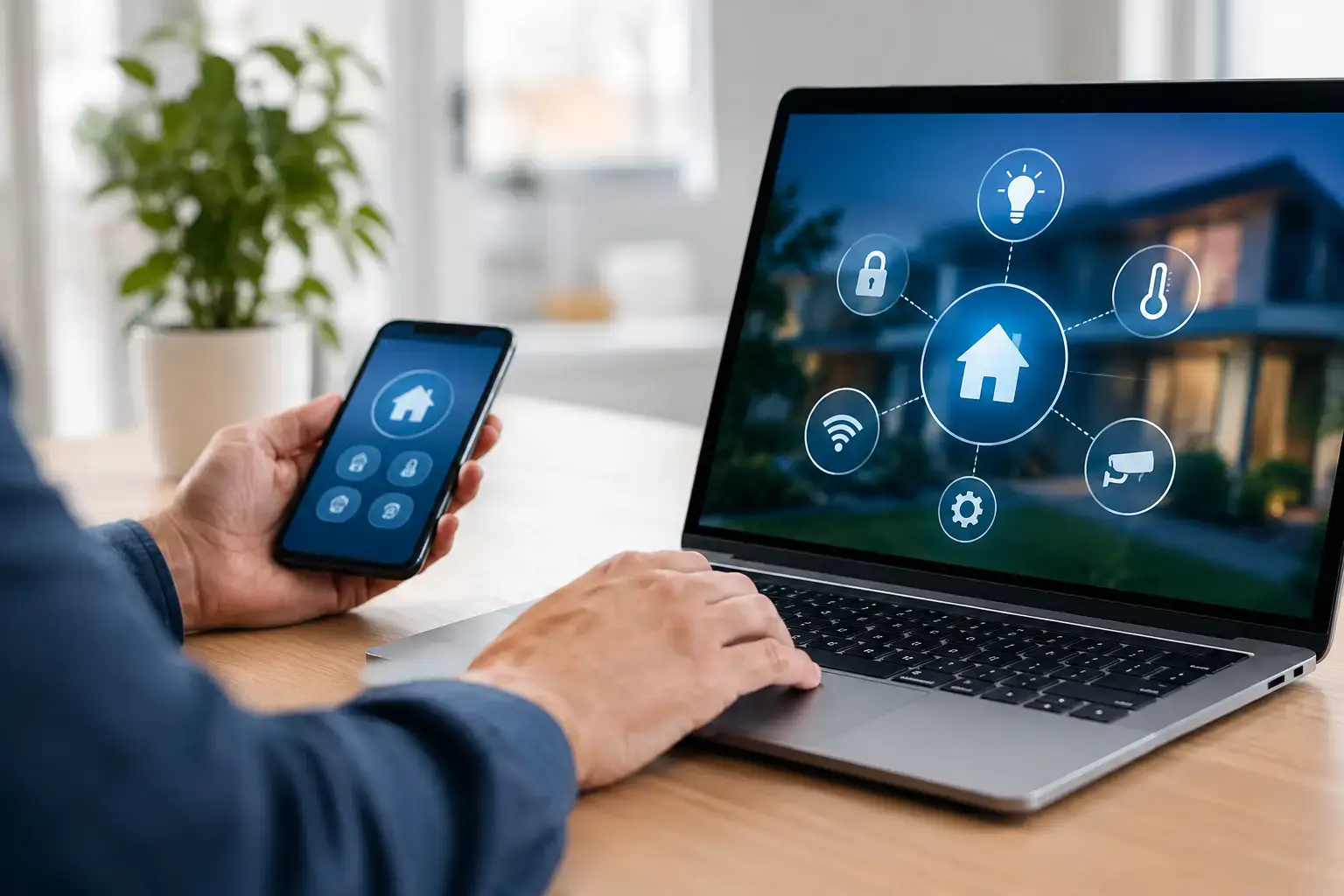
A smart property can look impressive on handover day and still become frustrating six months later if its devices do not communicate reliably. That is why learning how to choose automation protocols matters before selecting switches, sensors, speakers, thermostats, or a control app. The protocol behind each device determines how it connects, how quickly it responds, how secure it is, and how easily the system can grow with your property.
For a villa, penthouse, hotel, office, or restaurant, the right answer is rarely one protocol used everywhere. A professionally designed system usually combines the best architecture for the building with the right technology for each function. The goal is one intelligent system that feels simple to use while remaining dependable behind the walls.
Start With the Property, Not the Product
Automation protocols are communication standards. They allow lighting keypads, motorized curtains, HVAC controls, sensors, locks, cameras, and entertainment equipment to exchange commands. Some communicate through physical cabling, some use radio signals, and others operate over an existing IP network.
It is tempting to start with a favorite smart speaker or a device seen online. That approach can create a collection of separate apps, unreliable wireless connections, and limited control once the property becomes more complex. Start instead with the way the space will be used.
A compact apartment may prioritize lighting scenes, air conditioning control, curtains, door access, and remote monitoring. A luxury villa may need whole-property lighting, landscape controls, multiroom audio, gate access, CCTV, pool equipment, guest areas, and an equipment rack that can support future additions. A hotel or commercial project needs another level of planning, including staff permissions, central scheduling, occupancy response, energy management, and operational continuity.
The protocol should support the experience you expect, not force your lifestyle or operations to fit its limitations.
Wired or Wireless: Choose the Right Foundation
The first major decision is whether the primary automation architecture should be wired, wireless, or a hybrid of both.
When wired automation is the better investment
Wired systems use dedicated low-voltage cabling or structured network cabling between key controls, processors, and devices. They are especially valuable in new construction, major renovations, large villas, hospitality properties, and commercial spaces where walls and ceilings are already open.
Their main benefit is consistency. A wired control command does not depend on radio range, battery condition, or the signal behavior of neighboring devices. It also reduces reliance on household Wi-Fi for critical functions such as fixed lighting controls, climate control, shades, and access systems.
Wired infrastructure costs more to plan and install at the beginning. However, it can provide a cleaner long-term foundation, particularly where finishes are premium and future rewiring would be disruptive. For high-value properties, installing the right cable pathways before final finishes can protect both system performance and property value.
Where wireless automation makes sense
Wireless protocols are practical for completed homes, apartments, phased renovations, and areas where running new cable is not realistic. They can also make it easy to add a sensor, keypad, smart lock, or automated shade after handover.
Wireless does not automatically mean unreliable. The result depends on the protocol, device placement, building materials, network design, and the number of connected devices. Concrete walls, metal finishes, large mirrors, and distance between floors can affect signal performance. In many premium properties, a wireless solution benefits from professional testing rather than assumptions based on a product specification sheet.
A hybrid design is often the most sensible approach. Use wired controls and infrastructure for core systems, then add wireless devices where flexibility offers a genuine advantage.
How to Choose Automation Protocols by System
There is no single protocol that is best for lighting, security, entertainment, and HVAC in every building. Each category has different demands for speed, reliability, power use, and integration.
For lighting and shading, prioritize instantaneous response, physical wall controls, scene capability, and long-term availability of replacement components. Lighting is used constantly, so it should work naturally for family members, guests, and staff without requiring a phone.
For sensors, battery life and low-power communication are central considerations. Motion, door, leak, temperature, and occupancy sensors may be installed in many locations, including cabinets, bathrooms, corridors, and outdoor zones. A low-power wireless protocol can be ideal here, provided the system is designed with proper coverage and monitoring.
For cameras, video intercoms, media systems, and networked access control, an IP-based network is often the right fit. These systems move more data and benefit from structured cabling, managed network equipment, appropriate bandwidth, and reliable power. A camera may connect to the same broader control platform as lighting, but its technical requirements are very different from those of a curtain motor.
For HVAC, confirm that the selected protocol supports the specific air conditioning equipment in the property. This is particularly relevant in larger residences and properties with centralized cooling, multiple zones, or building-management requirements. A thermostat that works well in a single-family house may not offer the integration depth needed for a multi-zone villa or commercial site.
Look Beyond the Device Ecosystem
A protocol can be popular and still be the wrong choice if it traps the property inside a narrow device ecosystem. Before approving a system, ask whether it can integrate with established brands across lighting, climate, security, access, audio, and shading.
Interoperability standards can be useful because they improve the chance that compatible devices will work together. Even so, compatibility should be verified at the feature level. A device may pair successfully but expose only basic on-off control, while advanced functions such as energy reporting, scene control, position feedback, or alarm states remain unavailable.
This is where a centralized automation platform adds value. It brings selected subsystems into one interface, allowing a single “away” command to turn off selected lights, adjust the climate, close shades, arm relevant security functions, and notify the owner of an open door or unusual event. The platform should simplify the experience without hiding the important details of system status and control.
Reliability and Security Are Design Decisions
For a premium property, convenience should never come at the expense of security or everyday reliability. Ask how the system behaves when internet service is unavailable. Core local functions, such as lighting scenes, keypads, climate schedules, and selected access controls, should not depend entirely on a cloud connection.
Also ask who manages updates, passwords, permissions, and remote access. A professionally commissioned system should use secure credentials, controlled administrator access, segmented networks where appropriate, and a clear handover process. Owners should be able to use the system easily, while installers and service teams have access only when authorized.
For hotels, offices, and rental properties, role-based access is equally important. A manager, maintenance technician, front-desk employee, and guest should not all have the same system privileges. The protocol and control platform must support this operational reality.
Plan for Scale Before You Need It
The smallest project can become more ambitious once owners experience the convenience of centralized control. An apartment that begins with lighting and curtains may later add smart locks, energy monitoring, audio, leak detection, or video intercom. A villa may add a guest house, landscape lighting, EV charging monitoring, or a pool-control interface.
Choose protocols and controllers that have room for expansion without requiring a complete replacement. This does not mean paying for every future feature on day one. It means reserving equipment-rack space, cable pathways, network capacity, and controller capability so additions remain orderly.
Scalability also means serviceability. Consider whether the devices use standard power supplies, whether batteries can be monitored before they fail, and whether replacement products are likely to remain available. The lowest initial quote can become expensive if the system is difficult to diagnose or impossible to extend.
Questions to Ask Before Approving a Design
Before committing to an automation plan, ask your integrator how each critical system communicates and what happens if a component or network connection fails. Clarify which functions are wired, which are wireless, and why that choice suits each area of the property.
You should also ask whether the design supports local control, how it protects remote access, how new devices can be added, and whether all requested features will appear in one interface. Request a clear scope that identifies the controlled systems, hardware locations, installation requirements, testing process, and user training at handover.
At Esmartech, this planning begins with a site consultation and a design tailored to the property’s layout, operating requirements, and budget. The right protocol is only one part of the result. Correct installation, programming, testing, and support are what turn a technical specification into effortless daily control.
A well-chosen automation system should quietly earn its place every day: the lights respond when expected, the climate stays comfortable, access remains controlled, and every additional feature fits naturally into the way the property is lived in or managed.


Leave a comment