
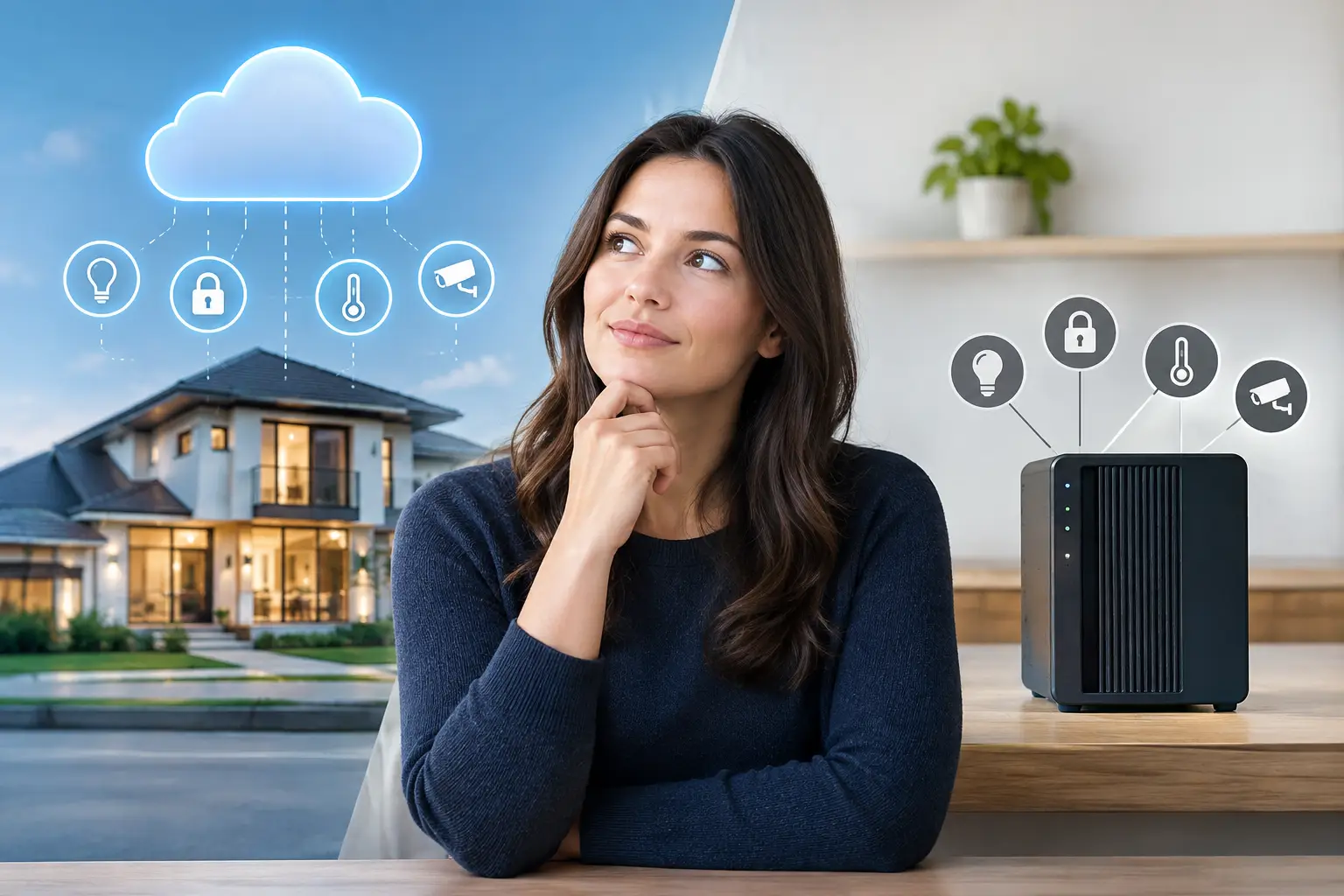
Choosing between cloud vs local automation is an important decision when planning a smart home in Dubai. Cloud-based systems provide remote connectivity and online services, while local automation can keep many essential functions running even when the internet is unavailable. Understanding the differences in privacy, response speed, reliability, and maintenance helps homeowners select the right smart home solution for their property.
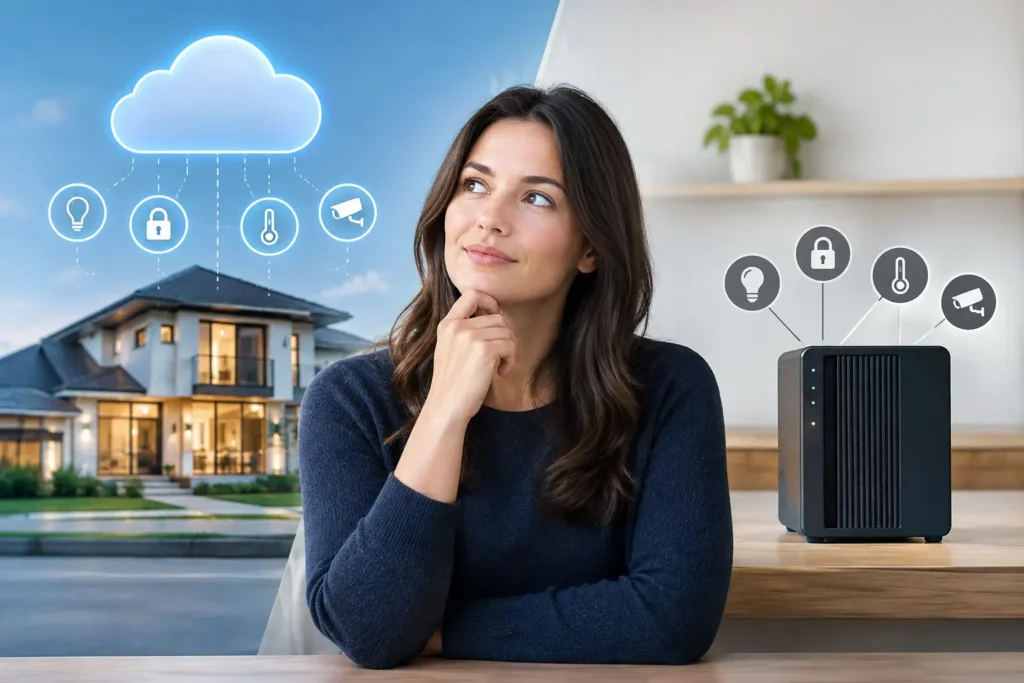
For homeowners, developers, hotel operators, and office managers, the right choice is rarely about choosing the newest technology. It is about matching the system to the property’s daily demands: instant control at the wall, dependable security, remote visibility, energy management, and a platform that can grow without becoming difficult to manage.
Cloud vs Local Automation: Key Differences Explained
Cloud automation sends commands and system data through remote internet servers. When a resident opens an app to turn off lights, check a camera, adjust a thermostat, or receive a door-lock notification, the request may travel from the phone to a cloud service and then back to the property.
This model is familiar because many consumer smart devices are built around it. Setup can be straightforward, remote access is often available from the first day, and software features can be updated without a technician visiting the site. For a small apartment with a few smart bulbs, a video doorbell, and a connected thermostat, cloud-based products can be an accessible starting point.
Cloud services can also support useful functions such as remote alerts, recorded video storage, voice-assistant integrations, and device management across several locations. A property investor with multiple units may appreciate being able to check selected systems from one account while away.
The trade-off is dependency. If the internet fails, if a provider experiences an outage, or if a product’s cloud service changes its terms or support policy, some functions may slow down or stop working. The impact varies by product. Certain devices retain limited local functions, while others rely heavily on a connection to complete even basic commands.
How Local Automation Works
Local automation uses a controller, processor, gateway, or centralized control system installed within the property. Commands are processed on-site rather than needing to leave the building and return through an external server.
Pressing a keypad labeled “Good Night,” for example, can lower curtains, switch off selected lights, set the AC to a preferred temperature, arm chosen security zones, and turn off entertainment equipment in moments. The command is executed within the local system. The same principle can apply to motion-based lighting, occupancy sensing, intercom workflows, and programmed scenes.
A professionally designed local system is particularly valuable in larger villas, penthouses, hospitality properties, and commercial spaces where multiple systems must work together. It provides one intelligent system for daily control, rather than a collection of separate apps that behave independently.
Local does not mean isolated. A well-designed installation can still provide secure remote access from a phone or tablet. The difference is that the property remains capable of handling essential automation internally when the internet is unavailable.
Cloud Versus Local Automation: The Differences That Matter
The best choice becomes clearer when the discussion moves beyond product labels and focuses on how the property is used.
Reliability during internet interruptions
Local processing is generally the stronger option for essential control. Lighting scenes, motorized curtains, climate schedules, and security-related actions can continue operating when the home’s internet service is interrupted. For Dubai and UAE properties, where owners may travel frequently or leave a residence unoccupied for extended periods, that independence provides meaningful reassurance.
Cloud automation depends more heavily on stable internet and the provider’s service availability. This may be perfectly acceptable for nonessential conveniences, such as checking an individual smart plug or controlling a portable speaker. It is less desirable when the system is expected to coordinate the core functions of a luxury property or active business.
Speed and responsiveness
A local command usually has a shorter path to travel. That matters when a single button needs to control several systems at once, such as lighting, shades, air conditioning, and AV equipment. The result feels immediate and intentional, particularly with wall keypads and programmed scenes.
Cloud-controlled devices can also respond quickly when the connection is strong. However, response time may fluctuate with Wi-Fi quality, internet congestion, or server availability. A small delay is not always a concern, but repeated delays can make an otherwise premium system feel unreliable.
Privacy and data control
Cloud services may collect device information, usage patterns, account data, and sometimes video or audio data, depending on the product and settings. Reputable providers use security measures, but property owners should understand where data is stored, who can access it, and what happens if they change platforms later.
Local automation keeps more operational activity inside the property network. That can reduce unnecessary data exposure, particularly for access control, cameras, occupancy settings, and private living routines. It does not remove the need for cybersecurity. The system still requires secure network design, strong credentials, properly configured remote access, and ongoing updates where applicable.
Remote access and notifications
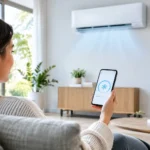
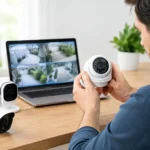
This is where cloud services are highly useful. Owners expect to adjust the AC before arriving, verify that a gate is closed, receive an alert from a water-leak sensor, or check a camera while traveling. Cloud connectivity supports those experiences.
But remote access does not require putting every daily command in the cloud. A hybrid design can use local control for time-critical property functions while enabling secure remote access and notifications when needed. For most premium residential and commercial projects, this is the most balanced approach.
Scalability and long-term support
Adding devices one at a time can work initially, but a property may eventually contain different apps for curtains, CCTV, speakers, door locks, AC, and lighting. The result is more technology but less control.
A centralized local platform is designed around the whole property. It can bring wired and wireless devices together under clear interfaces, programmed scenes, and consistent user controls. This approach is better suited to phased renovations, new builds, and properties that may add guest areas, outdoor zones, access points, or energy-management functions over time.
The quality of planning matters as much as the platform. Cable pathways, equipment-room ventilation, network coverage, electrical load requirements, device compatibility, and future expansion should be considered before walls are closed or finishes are installed.
When Cloud-First Automation Makes Sense
Cloud-first products can be a sensible choice when the property is small, the scope is limited, and the owner wants affordable control of a few independent devices. They can also suit renters who need portable products they can take with them, or owners who want a quick upgrade without modifying the electrical infrastructure.
The key is setting realistic expectations. Consumer cloud devices are not automatically wrong for premium spaces, but they should not be treated as a substitute for a coordinated control system when reliability, privacy, and multi-system operation are priorities.
When Local Control Is the Better Investment
Local control is usually worth prioritizing when the automation system manages fundamental property functions or serves many users. Think of a villa with lighting scenes across several floors, integrated climate control, automated gates, CCTV, intercoms, pool equipment, and audiovisual zones. The same applies to hotels managing guest comfort and staff access, or offices requiring dependable room control and monitored entry points.
In these environments, professional design prevents common frustrations. A keypad should do what its label promises. A guest should be able to control the room without instructions. Security alerts should reach the right person without generating unnecessary noise. And staff should not need to open several apps to prepare a space for the day.
A turnkey integrator can evaluate which functions should remain local, which benefit from cloud connectivity, and how to protect the network supporting both. At Esmartech, that process starts with a site consultation and clear system design, then continues through installation, testing, user guidance, and support after handover.
A Practical Way to Choose the Right Architecture
Start by identifying what must work even during an internet outage. For many properties, that includes lighting control, AC schedules, curtain scenes, local access functions, and safety-related automations. Those functions are strong candidates for local processing.
Next, identify what needs to be accessible from outside the property. Remote camera viewing, visitor calls, notifications, and owner control while traveling may benefit from secure cloud-connected services. Finally, consider who will use the system. A family, house staff, tenants, hotel guests, and facilities teams all need interfaces suited to their role.
The answer does not have to be cloud or local in absolute terms. The most dependable properties often use both with clear purpose: local intelligence for immediate control and continuity, plus carefully managed cloud access for convenience beyond the property.
A smart property should make daily life simpler without asking its owner to think about the technology behind it. Choose an architecture that protects the essential experience first, then adds remote capability where it genuinely improves how the space is lived in, managed, or enjoyed.

Leave a comment