
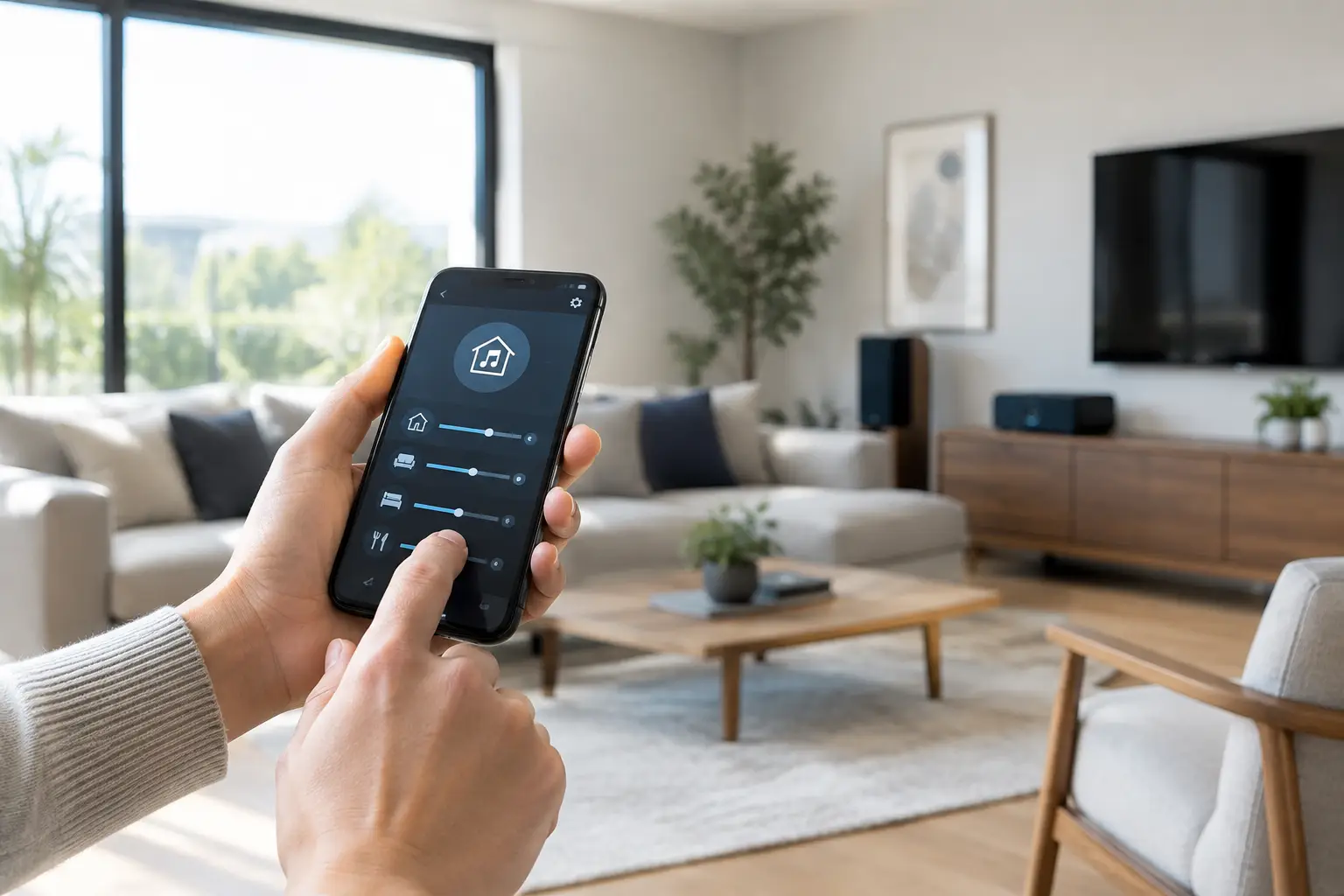
A villa should not require separate remotes, disconnected speaker apps, or a trip back to the living room just to change the music. Knowing how to control multiroom audio means creating one intelligent system that lets you choose what plays, where it plays, and how loud it should be from a single, simple interface.
For a luxury residence, apartment, restaurant, or hospitality space, the goal is not to fill every room with sound. It is to make audio feel natural to the way people use the property. Soft music in the kitchen during breakfast, a playlist by the pool in the afternoon, television audio in the lounge, and quiet in the bedrooms can all happen at the same time.
Start by Defining Your Audio Zones
A multiroom audio zone is any space where you want independent control of sound. One zone may be a single room, such as a home office. Another may combine several connected areas, such as an open-plan kitchen, dining room, and family room.
The right zoning plan follows how the property is actually used. In a villa, outdoor terraces, majlis areas, master suites, gyms, and pool areas often deserve their own zones. In a restaurant, the entrance, dining area, private room, washrooms, and terrace may each need different volume levels or music sources.
Avoid treating every speaker as its own zone unless there is a real operational reason. Too many zones can make the system harder to manage and increase installation cost. A professional design balances flexibility with everyday simplicity.
Decide Which Rooms Should Play Together
Adjacent spaces that are commonly occupied together should usually be grouped. For example, the kitchen and dining area can play the same music during entertaining, while the study remains independent. Grouping rooms can be changed from the control app when needed, but starting with a sensible zone design makes daily use much easier.
It also helps to consider acoustics. A large marble-finished space may need more carefully positioned speakers than a carpeted media room. Outdoors, weather-rated speakers and separate volume control are essential, particularly where wind, water features, and open layouts affect listening levels.
Choose a Control Method That Everyone Can Use
The best multiroom systems offer more than one way to control music. A mobile app is often the main interface, giving homeowners and managers access to rooms, sources, playlists, and volume. However, phone-only control is not always ideal when guests, children, staff, or visitors use the space.
Wall keypads provide immediate control in high-use rooms. A simple keypad can offer play, pause, volume adjustment, favorite stations, and room selection without asking anyone to find an app. This is especially valuable in kitchens, pool areas, hotel rooms, and commercial settings where quick, reliable access matters.
Voice control can be useful for hands-free requests, such as playing music in a selected room or lowering the volume. It works best as part of a broader control strategy, rather than the only method. Voice commands depend on clear room naming, stable connectivity, and consideration for privacy in shared or commercial environments.
For a fully integrated property, audio can also sit within the same control platform as lighting, curtains, climate, and entertainment. A single “Evening” scene might lower the living room lights, close the curtains, set the air conditioning, and start a preferred playlist at a comfortable volume. That is where multiroom audio becomes part of the property experience rather than another standalone device.
How to Control Multiroom Audio From One App
A centralized app should make the complex part invisible. Once the system has been professionally configured, the user should be able to select a room, choose a source, adjust volume, and group zones in a few taps.
The most useful app controls usually include room-by-room volume, source selection, grouped playback, favorites, and scheduled music. In a home, favorites may include a morning radio station, a dinner playlist, or a relaxation soundtrack. In a business, they may be approved background music sources set to appropriate volume limits for each area.
A well-programmed system also prevents common frustrations. It can remember which rooms are grouped, limit maximum volume near bedrooms or neighbors, and ensure that audio starts at a reasonable level after a power interruption. These details are easy to overlook during product selection, but they shape whether the system feels refined after installation.
Use Scenes for Everyday Routines
Scenes reduce repeated actions to one command. Rather than opening several apps and adjusting multiple settings, users can activate a preset that coordinates the space.
A “Welcome Home” scene could turn on selected lights and begin soft music in the entrance and living area. A “Pool Time” scene could activate outdoor audio while keeping indoor rooms quiet. For hospitality properties, a manager may use opening and closing scenes to set background music alongside lighting and climate settings.
Scenes should be tailored to the property, not copied from a generic template. A penthouse used for entertaining needs a different approach from a family villa or a restaurant with multiple guest areas.
Build the Right Network Before Adding More Speakers
Multiroom audio depends on a dependable network. Music that cuts out, rooms that fall out of sync, or a control app that cannot find speakers are often network issues rather than speaker issues.
Wireless systems can work very well in existing homes and smaller projects when Wi-Fi coverage is properly designed. They reduce disruption and allow easy expansion in some areas. However, signal strength must be tested in every intended zone, including terraces, garages, gardens, and pool houses. A router placed in one corner of a large villa is rarely enough.
Wired audio systems use dedicated cabling between amplifiers, speakers, and control equipment. They are often the stronger choice for new builds, major renovations, premium villas, restaurants, and large commercial properties. Wired infrastructure offers stable performance, cleaner equipment placement, and greater capacity for multiple zones.
Many projects use a hybrid approach. Ceiling speakers in key rooms may be wired to centralized amplifiers, while selected portable or secondary spaces use wireless speakers. The correct choice depends on the building, desired sound quality, budget, and future plans.
Select Sources That Fit Your Lifestyle or Operations
Multiroom systems can play music from streaming services, internet radio, stored music libraries, televisions, media players, and selected external sources. The important question is not how many sources can be connected. It is which ones the household, staff, or guests will use confidently.
For homeowners, streaming services and television audio are usually central. For a restaurant, hotel, or retail space, source management also needs to account for staff access and licensing requirements for public music playback. A commercial installation should prevent unauthorized changes while giving managers practical control over the atmosphere in each zone.
Television integration deserves particular attention. If the living room television is connected to distributed audio, users should be able to keep television sound in the lounge while music continues elsewhere. For larger entertainment rooms, a dedicated surround-sound system may be better than trying to make one speaker arrangement serve both background music and cinema audio.
Plan for Growth Without Overbuilding
A multiroom audio system should suit the property now while leaving sensible room for change. You may not need speakers in every bedroom on day one, but adding cabling or conduit during construction can make later expansion far more straightforward.
Ask for a clear zone schedule during the design stage. It should show each room, speaker locations, control method, sources, and any future provisions. This gives homeowners and developers a practical record of what the system does and makes future upgrades easier to manage.
It is also worth considering who will support the system after handover. Audio systems involve speakers, amplifiers, networking, apps, and automation programming. Working with one accountable integration team avoids the familiar problem of separate suppliers blaming each other when something needs adjustment.
Why Professional Setup Makes a Noticeable Difference
Installing speakers is only one part of the project. The quality of a multiroom system depends on speaker placement, amplifier sizing, cable routes, network design, programming, acoustic considerations, and user training.
Esmartech approaches audio as part of one intelligent property system, tailored to the space and needs of each client. Following a site consultation, the team can develop a clear design and quotation, complete installation and testing, then guide users through the controls at handover. This process is particularly valuable in larger villas, penthouses, hospitality venues, and commercial projects where audio must work reliably alongside lighting, climate, security, and entertainment systems.
Before committing to any system, walk through the property with your integrator and describe real moments: weekday mornings, family gatherings, outdoor entertaining, cleaning routines, staff operation, and quiet hours. The best audio control is the one you barely have to think about because it is already arranged around the way the property lives and works.



Leave a comment