
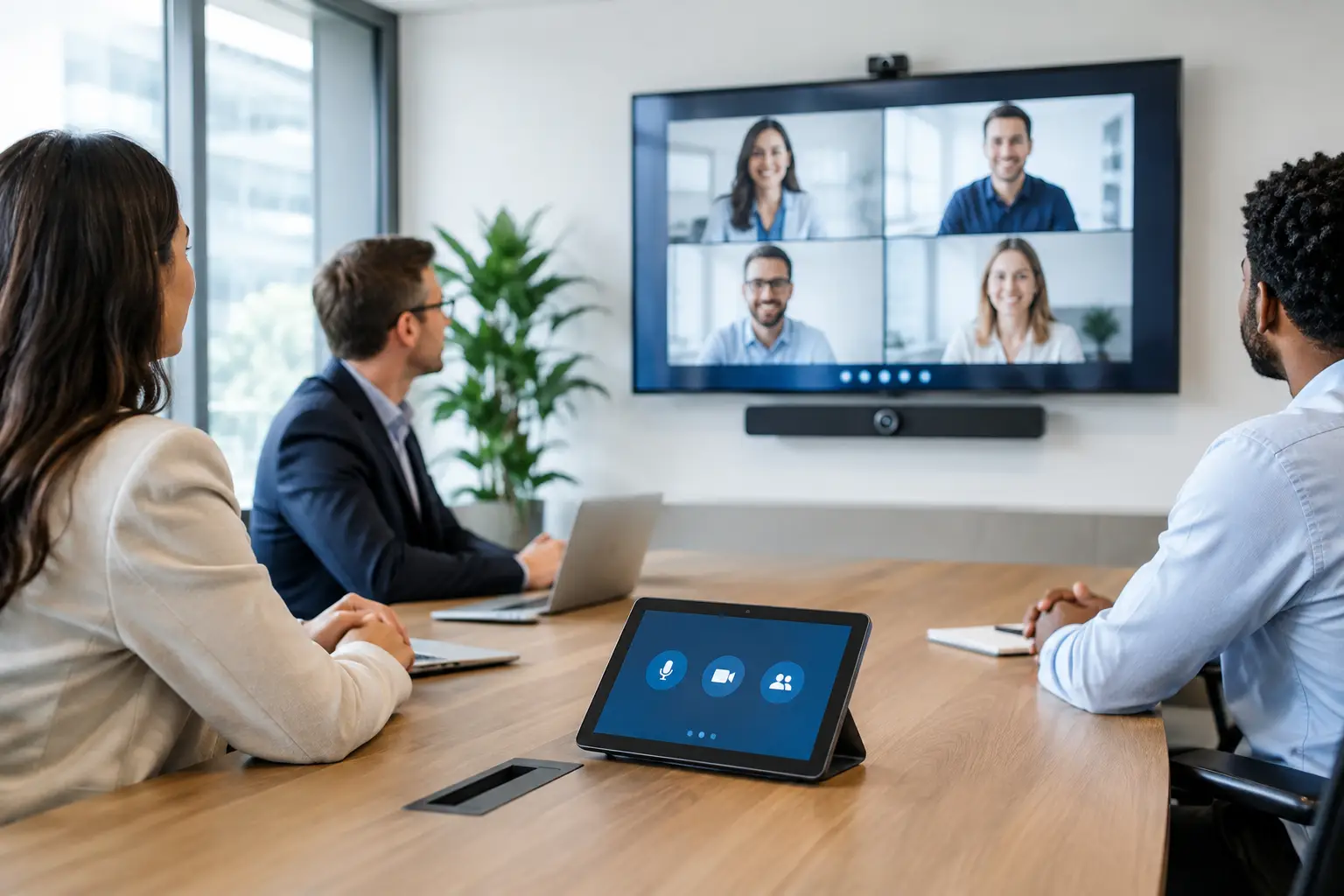
Meeting room automation helps businesses create smarter, more efficient, and professional workspaces. In Dubai, modern offices can integrate smart lighting, climate control, audiovisual systems, and video conferencing into a centralized control system. With the right automation solution, employees can start meetings faster, reduce technical interruptions, and enjoy a seamless meeting experience.
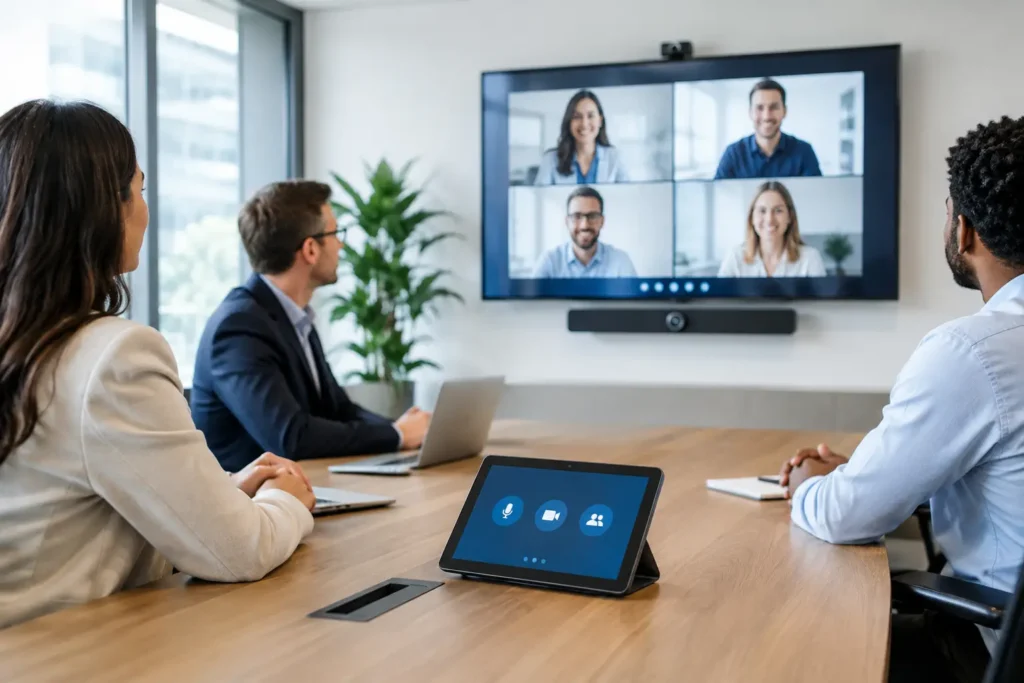
The best result is not a room filled with impressive technology. It is a room that recognizes how it is being used, prepares itself for the meeting, and returns to an efficient state when people leave. For offices in Dubai and across the UAE, where cooling demand and polished client experiences both matter, this can have a meaningful operational impact.
How Meeting Room Automation Improves Office Productivity
Every office uses meeting rooms differently. A boardroom hosting investor presentations needs a different design from a huddle room used for short video calls, or a training room that must divide into two independent spaces. Automation should follow those real-world requirements.
Begin by mapping what happens before, during, and after a typical meeting. Consider who books the room, whether guests need access, how users connect their laptops, which displays and cameras are required, and who currently solves technical problems. Also consider recurring frustrations: rooms that are too cold, lights that create glare on displays, or systems that remain on long after a meeting has ended.
This discovery stage prevents a common mistake: buying separate devices that technically work but feel disconnected in daily use. A tailored system brings the relevant functions into one intelligent control experience, whether that is a wall touch panel, a booking panel, a mobile app, or a simple set of programmed buttons.
Build the room around a single control system
A properly automated meeting room connects the systems employees use every day. Instead of treating lighting, climate, shades, AV, and access as independent installations, a central controller coordinates them according to room status and selected meeting modes.
Lighting and shading for focus and presentation quality
Lighting should support the task taking place. A presentation mode can dim perimeter lights, reduce glare near the display, and lower motorized shades on sun-facing windows. A workshop mode may raise general lighting for note-taking and collaboration. For a video call, the system can select balanced lighting that helps remote participants see people clearly on camera.
Automated shades are particularly valuable in glass-fronted offices. They reduce heat gain and screen glare without requiring someone to walk around the room adjusting each window treatment. The exact setup depends on daylight exposure, interior design, and whether the room is used for presentations throughout the day.
Climate control that responds to occupancy
Meeting rooms often waste energy because air conditioning runs at full capacity while unoccupied, or because staff manually lower the temperature during a crowded session and forget to change it afterward. Occupancy sensors and calendar-based scheduling can address this.
The room can pre-condition shortly before a confirmed booking, then move to an energy-saving temperature after the meeting. If a room is booked but remains empty, the system can release it after a defined grace period and reduce cooling accordingly. Temperature settings should still allow sensible local adjustment, especially in rooms with varying occupancy or direct sun exposure.
AV that starts without an IT ticket
A useful AV experience is simple: select the meeting type, connect a device, and begin. One control command can turn on the display, camera, microphones, speakers, and conferencing system while setting the room lighting and shades. At the end of the meeting, one command powers equipment down in the correct sequence.
There are trade-offs. Wireless sharing is convenient for flexible teams and visitors, but wired connections can offer greater consistency for high-stakes presentations. Larger boardrooms may require professional microphones, speaker tracking cameras, and audio processing, while smaller rooms may work well with integrated video bars. The right specification comes from room size, acoustics, meeting platform, and expected user behavior, not from a one-size-fits-all package.
Connect booking, occupancy, and access
Room booking is where automation becomes genuinely operational rather than merely convenient. A scheduling panel outside the room can show availability, allow an authorized employee to reserve an open slot, and display a clear occupied or available status. The same calendar data can trigger room preparation before a meeting begins.
Occupancy detection adds a useful layer of accuracy. If a booked room is not used, the system can mark it available again after a policy-defined period. If a meeting runs over, it can notify users of the next reservation rather than abruptly shutting systems down. This improves room utilization in busy offices where suitable spaces are often in short supply.
Access control can also be part of the design. An executive boardroom, interview room, or project space may require scheduled credentials for staff or temporary access for visitors. When connected carefully, access events can activate the room in readiness for an approved meeting. Security policies should always take priority: not every room should be opened automatically, and access permissions should be managed separately from general AV controls.
Use scenes that make sense to employees
Employees should not need training in building automation to use a meeting room. The control interface should present a limited number of clear actions based on the room’s purpose. For many spaces, this means options such as Start Meeting, Video Call, Presentation, Collaboration, and End Meeting.
Behind each selection, the system performs several coordinated actions. Presentation mode might power on the display, select the correct input, close shades, and adjust lights. Collaboration mode might keep brighter lighting and raise shades. End Meeting can switch off AV equipment, return lights to a default level, reset climate settings, and report the room as available.
Avoid placing every technical function on the main screen. Detailed controls for audio volume, source selection, and individual lighting zones can remain available when needed, but everyday users should be able to operate the room confidently in seconds. This is particularly important for client-facing spaces, where a complicated interface can undermine an otherwise premium environment.
Plan the infrastructure before installation
Reliable automation depends on details that are easy to overlook during fit-out. Equipment locations, cable pathways, network capacity, Wi-Fi coverage, power requirements, and ventilation for AV racks all need early coordination with the interior, electrical, HVAC, and IT teams.
Wired and wireless systems each have a place. Wired infrastructure is often preferred for new offices, major renovations, and mission-critical AV because it provides stable communication and reduces dependence on batteries. Wireless controls can be an effective option for occupied offices or spaces where opening ceilings and walls would be disruptive. In many projects, a hybrid design is the most practical choice.
It is also worth planning for expansion. A room may begin with a display and basic video conferencing but later need digital signage, additional microphones, divisible-room control, or centralized monitoring across several floors. Selecting a scalable platform and leaving practical capacity in the design protects the investment.
Make reliability and support part of the specification
Automation only earns trust when it works consistently. That requires professional programming, thorough testing, and a clear handover process. Each scene should be tested under normal conditions, including power recovery, network interruptions, manual overrides, and different user connection methods.
Facilities and IT teams should receive straightforward guidance on daily operation and escalation procedures. They also need to know which functions they can adjust themselves and which changes should be handled by the integration partner. For example, changing a scene’s lighting level may be simple, while modifying AV routing or access schedules may require controlled support.
For multi-room offices, centralized monitoring can help teams identify a display left on, a disconnected device, or a room that repeatedly experiences connection problems. This shifts maintenance from reactive troubleshooting toward planned service. Esmartech approaches these projects through consultation, clear system design and quotation, clean installation, testing, and user handover so every component works as one coordinated environment.
Choose automation that improves the room, not just the specification
The most successful automated meeting room is almost invisible to its users. It is comfortable when people enter, ready when the meeting starts, secure when confidential work is underway, and efficient when the room is empty. It does not ask employees to become technicians.
Start with the moments that currently waste time or energy, then design the controls around those priorities. A carefully planned room gives teams more attention for the conversation in front of them, which is the real purpose of every meeting space.


Leave a comment