
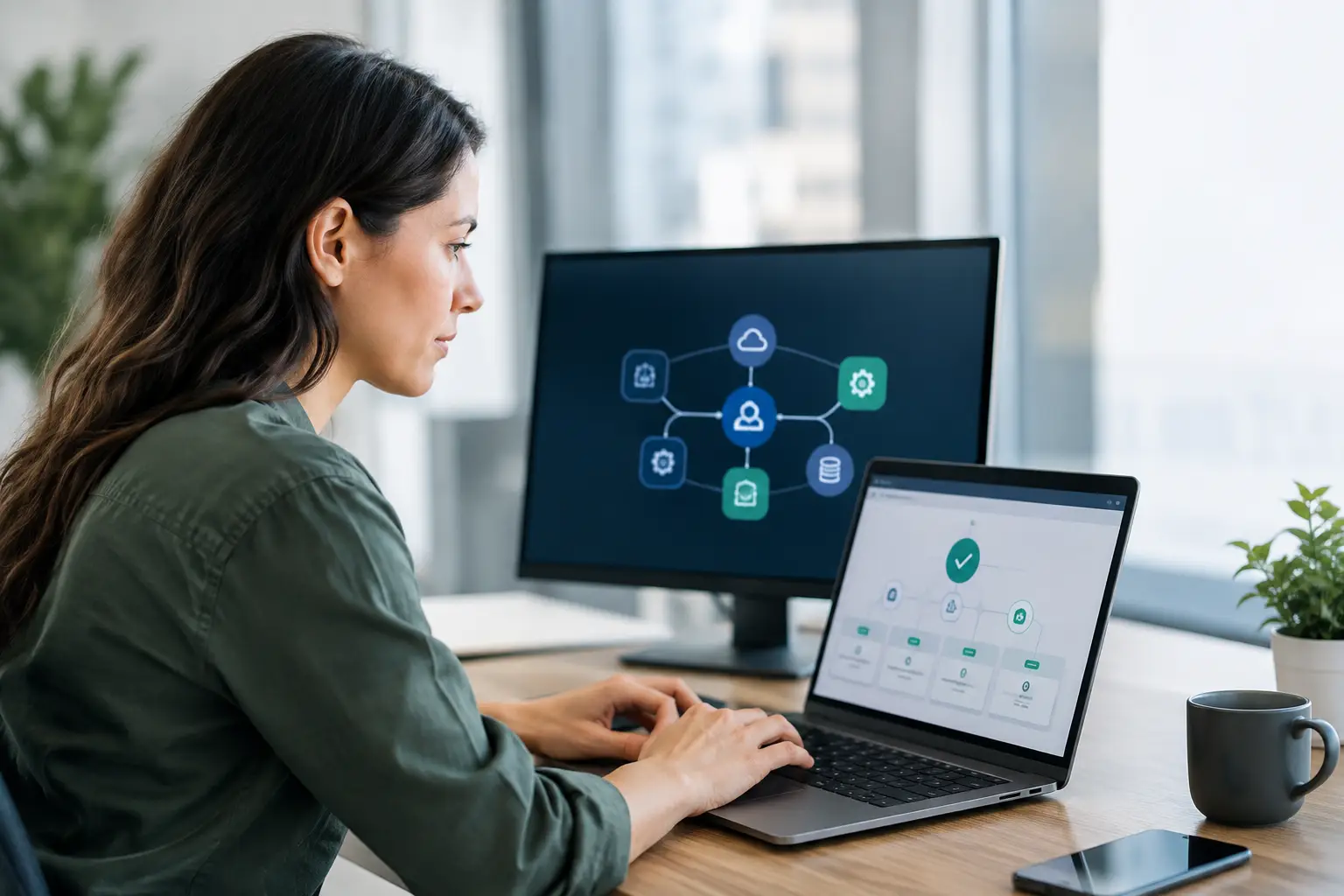
A power interruption is when a smart property proves whether it was designed as a collection of gadgets or as one intelligent system. So, can automation work during outages? Yes, but not every function will continue in the same way, and the result depends on the control architecture, network design, and backup power strategy selected for the property.
For a villa, penthouse, hotel, or office, the question is not simply whether lights can switch on when the grid is down. It is whether essential security, access, climate protection, communications, and selected controls remain available without creating confusion for the people inside. A professionally planned automation system can preserve the functions that matter most while restoring normal operation cleanly once power returns.
What Happens to Smart Automation During a Power Outage?
Most automation equipment needs electricity. If the property loses mains power and has no battery or generator backup, powered devices will stop operating. That includes Wi-Fi routers, touch panels, smart switches, motorized curtains, air conditioning equipment, CCTV recorders, and many connected locks.
That does not mean the system has failed. It means the property no longer has power to operate the devices it controls. The distinction matters because automation reliability is often about planning for the utility failure itself, rather than expecting technology to operate without an energy source.
The good news is that a properly designed system can be divided into priorities. Essential circuits and control equipment can be connected to an uninterruptible power supply, battery storage, or generator-backed electrical panel. Less critical features, such as decorative lighting scenes or entertainment zones, can wait until normal power is restored.
Can Automation Work During Outages With Backup Power?
With the right backup power, selected automation functions can continue working during an outage. The available runtime will depend on the battery capacity, the connected load, and the equipment you choose to keep active.
A small UPS can keep low-power equipment running for a limited period. This may include the automation controller, network router, modem, selected switches, a CCTV recorder, and a door intercom. This approach is useful when the priority is communication, remote visibility, and controlled shutdown rather than running an entire property.
For longer outages, a generator or dedicated battery energy storage system may be more suitable. Larger villas, hospitality properties, and commercial spaces often need a more considered electrical plan. Backup power may support critical lighting, access control, surveillance, server racks, selected cooling equipment, and essential outlets while avoiding unnecessary loads that would shorten runtime.
Air conditioning deserves particular attention in Dubai and across the UAE. Cooling systems can draw substantial power, especially in larger properties. A backup system may be designed to operate a limited number of critical zones rather than every indoor unit at once. This protects comfort where it is needed while keeping generator or battery demand realistic.
Local Control, Remote Control, and Internet Access
Not all automation commands travel the same path. This is one of the most important details to discuss before installation.
Local control means the automation controller communicates directly with devices within the property. If the controller, network, and relevant devices have backup power, functions such as lighting control, preset scenes, curtain control, and some security actions may still work even when the internet connection is unavailable. Wall keypads can also remain highly valuable because they do not depend on a phone app or cloud service.
Remote control is different. Checking cameras from another country, receiving notifications, or adjusting settings through a mobile app usually requires an active internet connection. If the home router has backup power but the internet service provider’s local infrastructure is down, remote access may still be unavailable.
A cellular backup connection can improve resilience for properties where remote monitoring is essential. It can help maintain communication between the property and the owner or management team when the primary broadband service is affected. However, cellular coverage, plan limits, and local network conditions should be considered as part of the design.
The Systems Worth Prioritizing
Every property has different priorities. In a family villa, maintaining entry access, key lighting paths, Wi-Fi, cameras, and selected climate zones may be the right balance. In a restaurant, emergency lighting, POS support, refrigeration alerts, CCTV, and staff access may take precedence. A hotel may need security, communications, controlled guest access, and operational visibility across multiple areas.
A practical backup plan often considers these functions first:
- Security cameras, recording equipment, and intrusion monitoring
- Video intercoms, smart locks, gates, and access control
- Network equipment, automation processors, and essential touch panels
- Emergency and pathway lighting in selected areas
- Critical climate, water-leak, smoke, and environmental monitoring
- Communications equipment and selected power outlets
Not every smart device needs to be backed up. Trying to support every circuit can increase project cost and complexity without providing a meaningful benefit. The better approach is to identify what the property must be able to do for the first 15 minutes, the first few hours, and an extended outage.
Wired Systems Often Offer More Predictability
Wireless automation can be an excellent choice for apartments, renovations, and spaces where new cabling is difficult. It can also be reliable when installed with proper device placement, network coverage, and professional configuration. Yet during an outage, wireless devices still need power, and the wireless network needs to remain active.
Wired systems often provide additional predictability for larger villas, new construction, hospitality projects, and commercial properties. Controllers, keypads, sensors, and centralized panels can be connected to protected electrical circuits and designed around dedicated backup power. This makes it easier to define exactly which systems should continue operating.
The best architecture depends on the property, budget, construction stage, and desired level of resilience. Many premium projects use a hybrid design, combining wired infrastructure for core functions with wireless controls where flexibility or retrofit convenience makes sense.
What Happens When Power Returns?
Restoration is just as important as backup operation. When power returns, devices may reboot at different times. Without proper programming, lights could switch to an unexpected state, network devices may take time to reconnect, and automated routines can behave inconsistently.
A well-configured system should recover in a controlled sequence. Essential network and controller equipment should come online reliably, key devices should reconnect, and programmed settings should return without requiring the owner to reset individual products. For larger systems, installers can also configure notifications that confirm the outage and restoration event.
Testing is essential. A system should not be considered outage-ready simply because a UPS has been installed. The backup scenario should be tested on site, including local control, router operation, camera recording, access behavior, and restart performance. This identifies issues before the property depends on the system during a real interruption.
Questions to Ask Before Designing Backup Automation
The right solution begins with a clear operating brief. How long should critical functions run? Which rooms, entrances, and systems are essential? Is remote access required during an outage, or is local control enough? Will the property use a generator, battery backup, or both?
It is also worth asking how the system handles safe states. For example, should gates remain operable, should certain doors unlock or stay secured, and should curtains remain where they are? There is no universal answer. A residence may prioritize secure access and lighting, while a commercial venue may have fire safety, evacuation, and operational compliance requirements that shape every decision.
A professional integrator can turn these questions into a practical design, clear quotation, and tested installation. At Esmartech, this process starts with understanding how the property is used, then tailoring the automation, power priorities, and user controls around those requirements.
The most valuable outage plan is not the one that powers everything. It is the one that keeps the right functions available, protects the property, and gives occupants clear control when they need it most.


Leave a comment