
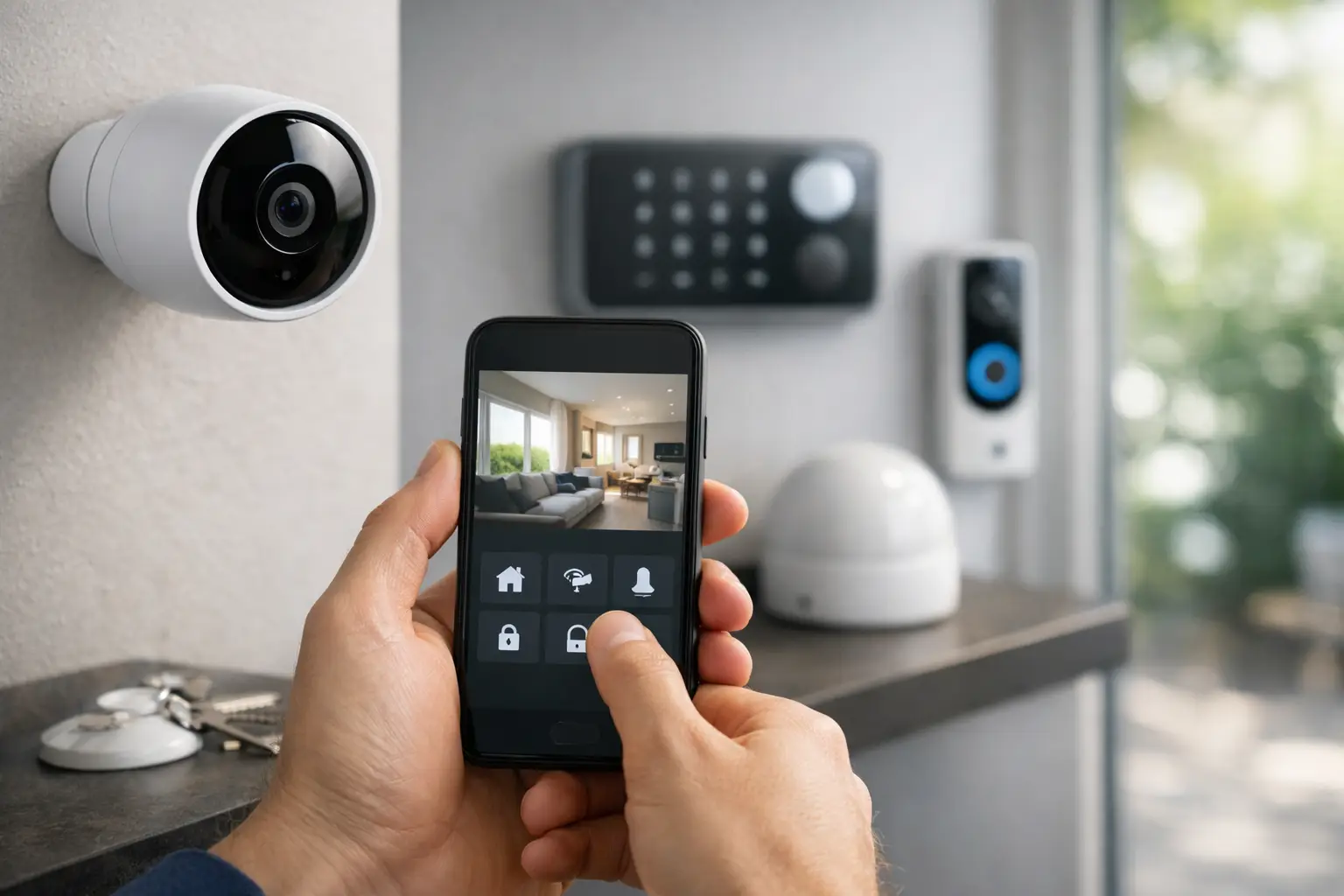
A security system should do more than send a notification after something has happened. When you understand how to automate home security, your property can respond in real time: lights can turn on when motion is detected, doors can lock when you leave, cameras can record relevant activity, and you can check the status of your home from anywhere.
For villa owners, penthouse residents, and property investors, the objective is not to add more apps or devices. It is to create one intelligent system that makes your home feel protected without making everyday living harder. The right setup is tailored to your space, routines, privacy expectations, and the level of control you want.
Start with the security moments that matter
The best home security automation begins with real situations, not a shopping list of devices. Consider how your household enters and exits the property, which areas are exposed, whether staff or guests require access, and how often the home is vacant.
A family living in a villa may prioritize perimeter protection, gate access, outdoor cameras, and lighting around gardens and service entrances. A penthouse owner may focus on smart locks, video intercom access, elevator-entry notifications, and discreet sensors at balcony doors. For a second home or investment property, remote monitoring, access history, and automated vacant-property routines are often the priority.
This planning stage also defines what automation should do when an event occurs. A motion alert at a front gate after midnight may trigger exterior lighting and camera recording. Motion in a hallway while the house is in sleep mode may create a quieter alert and turn on low-level pathway lighting. Not every movement needs the same response, and a professionally designed system avoids unnecessary alarms.
Build home security around connected layers
Effective automation uses several layers of protection that work together. Cameras provide visual verification. Door, window, and glass-break sensors identify potential entry points. Smart locks and access control manage who can enter. Video intercoms allow residents to verify visitors before granting access. Lighting and shades can make a property appear occupied even when it is empty.
The difference is integration. A camera operating in a separate app from the lock or intercom may still be useful, but it asks the homeowner to interpret and manage every event manually. In a centralized system, the devices share context.
For example, when a video intercom detects a visitor, you can receive a video call on a phone or indoor touch panel. If you choose to grant access, the gate or door can unlock for a defined period, while the entry camera records the event. When the door closes, the system can lock it again and notify you if it remains open longer than expected.
Smart locks and access control
Smart locks are a practical starting point for many homes, particularly where residents need to manage access for family members, housekeeping, drivers, contractors, or short-term guests. Instead of sharing physical keys, you can issue scheduled, limited, or revocable access credentials.
A lock should not be selected solely for convenience. It must suit the door construction, access method, backup entry requirements, and the property’s broader security design. In larger residences, access control may extend to gates, garages, staff entrances, storage rooms, and private offices.
Cameras that provide useful evidence
Cameras should be placed for coverage, not simply visibility. Entrances, driveways, gates, side passages, delivery areas, and key interior circulation points usually matter more than covering every corner of a property.
Automation improves the value of video by connecting recording to events. A door opening unexpectedly can mark footage for review. Motion in a protected outdoor zone can activate a camera preset or send an alert with a live view. Privacy also matters: interior cameras should be positioned thoughtfully, and recording policies should reflect the household’s comfort and local requirements.
Sensors and intelligent alerts
Door and window sensors are simple, reliable components with a major role in automated security. They can notify you when a balcony door is left open, trigger an alarm response when the property is armed, or pause air conditioning when windows are open.
Other sensors can add useful protection without creating a visible technology-heavy environment. Motion, vibration, smoke, water-leak, and temperature sensors can all contribute to a safer home. The key is to set alert rules carefully. Too many alerts lead people to ignore them. A well-programmed system prioritizes events based on time, location, occupancy mode, and the type of sensor involved.
Create security modes instead of controlling every device
The most useful way to automate home security is to create modes that match how the property is used. Rather than remembering to lock doors, arm zones, close curtains, and switch off lights separately, one command can coordinate the correct actions.
A “Leaving Home” mode might lock designated doors, arm perimeter sensors, switch off selected lighting and entertainment systems, close curtains, and set the air conditioning to an energy-conscious temperature. A “Night” mode can secure external doors, arm ground-floor and perimeter zones, leave upstairs movement unarmed, and activate discreet lighting if someone walks through a hallway.
A “Vacation” mode deserves more than a standard alarm setting. It can vary selected lights and curtains to create an occupied appearance, maintain camera monitoring, limit access credentials, and send priority alerts to the owner or a trusted contact. For properties that are vacant for long periods, water-leak and temperature alerts are especially valuable.
Automation should still leave room for manual control. Residents need an easy way to override a scene, unlock a door for a visitor, or disarm an area without navigating complicated menus. Wall keypads, touch panels, mobile apps, and voice control can work together, but critical functions should remain simple for every member of the household.
Choose wired or wireless based on the property
There is no single architecture that suits every home. Wired automation is often preferred during construction or major renovation because it can offer dependable communication, cleaner equipment integration, and long-term scalability. It is particularly well suited to large villas, new developments, and properties with multiple systems to coordinate.
Wireless solutions can be an excellent choice for completed apartments, occupied homes, or projects where opening walls is not practical. They can reduce disruption and allow targeted upgrades, such as adding smart locks, sensors, lighting control, or video intercoms in phases.
The trade-off is not simply wired versus wireless. It is about the quality of the products, network design, power planning, device compatibility, and future support. A poorly planned wireless setup can create coverage gaps or inconsistent performance. A wired system that has not been designed for future changes can also become restrictive. A site assessment helps determine the right balance.
Protect the system itself
An automated security system is only as trustworthy as its underlying network and configuration. Use secure credentials, separate guest Wi-Fi from smart-home equipment, keep devices and controllers updated, and avoid giving every user the same level of access.
For larger households, access should be role-based. A resident may have full control, while household staff may only receive access to specific entrances during scheduled hours. Contractors can receive temporary access that expires automatically. This approach improves security while reducing the inconvenience of collecting keys or changing codes after every visit.
Backup planning is equally important. Ask how the system behaves during an internet outage, power interruption, or controller failure. Essential door access, local controls, and security notifications should be considered during design. Professional installation includes testing these scenarios before handover, not after an issue occurs.
Work with a professional integrator for a unified result
Many homeowners begin with a camera kit or a standalone smart lock, then find that separate platforms create more work than expected. A professional integrator designs the complete experience so that security, lighting, climate, curtains, audio, and access work through a coordinated interface.
At Esmartech, the process starts with a site consultation to understand the property layout, daily routines, and security priorities. This is followed by a clear system design and quotation, clean installation and programming, then testing and user guidance at handover. That structure matters because the most valuable automation is not the device itself. It is the way every device performs in the moments that matter.
Before approving any design, walk through a typical day at home, a late-night arrival, a visitor at the gate, and a week when the property is empty. Those four scenarios will reveal the controls, alerts, and safeguards your home actually needs.



Leave a comment