
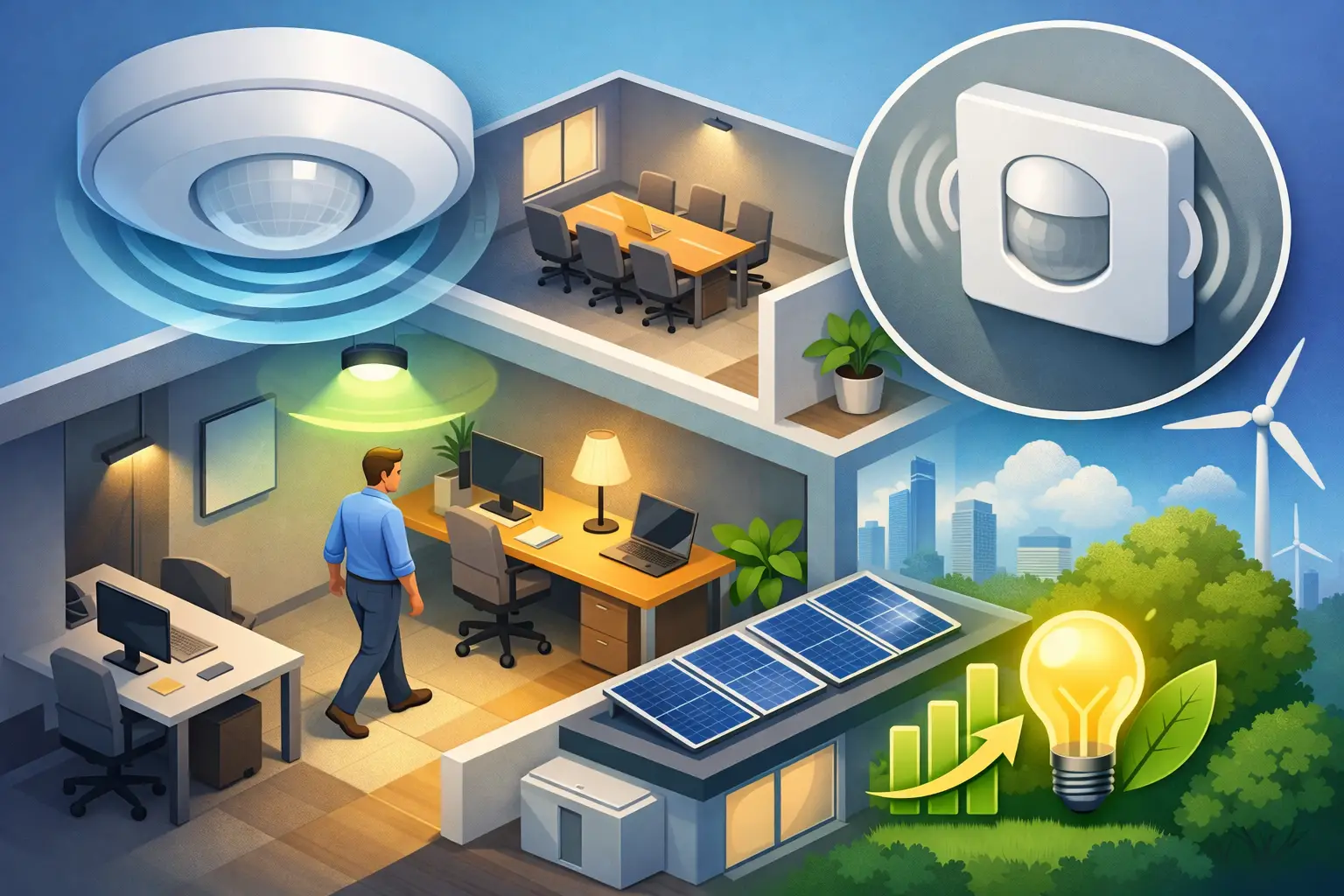
A meeting room can sit fully lit and cooled for hours after the last person leaves. A villa corridor may run at full brightness through the night when only brief, low-level lighting is needed. These are small operational gaps, but across a property they add up. Occupancy sensors for energy savings address that waste by making lighting, climate control, and other connected systems respond to how spaces are actually used.
For homeowners, developers, and hospitality operators, the goal is not to make a property feel automated for its own sake. It is to create one intelligent system that reduces unnecessary consumption without compromising comfort, safety, or the quality of the guest experience. Achieving that result depends on more than selecting a sensor from a catalog. It requires the right sensor, placement, programming, and integration with the systems it is meant to control.
How occupancy sensors for energy savings work
An occupancy sensor detects activity in a defined area and sends a command to a control system. Depending on the design, that command may turn lights on, dim them to a preset level, adjust air conditioning, close motorized curtains, or notify a building manager that a room is in use.
The most familiar application is lighting. When someone enters a pantry, restroom, storage area, meeting room, or back-of-house corridor, the sensor activates the required lights. After the space has been empty for a set period, the lights switch off or return to a lower level. This removes the reliance on people remembering wall switches, particularly in shared or transient spaces.
The greater opportunity often comes from connecting occupancy data to climate control. In Dubai and other warm climates, cooling an unused room can be one of the most avoidable energy costs in a building. A properly configured system can move an unoccupied room to an energy-saving temperature setpoint, then restore comfort before or when it is used. The room remains protected from excessive heat and humidity, but it is not conditioned as though someone were present all day.
Occupancy sensing is not the same as motion sensing
The terms are often used interchangeably, yet the difference matters when choosing a system. A simple motion sensor may detect a person walking through a room but fail to recognize someone sitting quietly at a desk, reading in a lounge, or working at a computer. If the sensor turns lights off too soon, the technology becomes frustrating rather than useful.
Occupancy sensors are designed to assess whether a space is in use, often through one or more detection methods. Passive infrared sensors identify changes in heat patterns and are effective for larger movement. Ultrasonic sensors emit sound waves and can detect smaller movements, but they need careful setup to avoid detecting activity outside the intended area. Dual-technology sensors combine methods to improve reliability in more demanding spaces.
For high-end residential projects, discreet placement is as important as detection performance. A sensor should support the architecture and interior design rather than disrupt it. In commercial and hospitality settings, the priority may be coverage across room layouts, partitions, restroom stalls, changing rooms, or irregular circulation areas. Each use case calls for a tailored decision.
Where the strongest savings are found
Not every room should follow the same automation rule. Bedrooms, formal living rooms, and executive offices require a more considered approach because occupants may be still for long periods. In contrast, spaces with intermittent use are usually ideal candidates for sensor-based control.
Storage rooms, laundry rooms, bathrooms, service corridors, stairwells, parking areas, utility rooms, and staff-only zones commonly offer immediate lighting savings. A hotel can use occupancy sensing in back-of-house spaces and meeting rooms, while integrating guest-room occupancy status with lighting scenes and temperature setbacks. Offices can automate meeting rooms, breakout areas, print rooms, and private offices without asking employees to manage multiple controls throughout the day.
In villas and apartments, the best results often come from practical areas that are regularly left on by accident: dressing rooms, hallways, bathrooms, pantries, garages, and outdoor access points. A late-night corridor sensor, for example, can activate a soft pathway lighting scene instead of bringing every light to full brightness. That improves comfort while using less energy.
The settings determine whether the system feels intelligent
A sensor installation can save energy and still disappoint users if its programming is too aggressive. Time delay is the most obvious example. Set it too short and lights may switch off during a quiet meeting. Set it too long and much of the expected saving disappears. The right delay depends on the space, its typical activity, and the type of sensor installed.
Light-level thresholds also matter. In a sunlit office or living area, the system may not need to activate artificial lighting when daylight is sufficient. In a cinema room, hallway, or bathroom, the desired response may be entirely different. Dimming, rather than switching lights fully on and off, can make transitions feel more natural and extend the value of daylight harvesting.
For HVAC, the system should not simply shut down cooling every time a room becomes vacant. Temperature recovery can take time, and extreme setbacks may affect comfort, furnishings, or humidity management. A more refined strategy uses an occupied setpoint, an unoccupied setpoint, and schedules that reflect the property’s operating hours. Hotel rooms, for instance, may need different logic before check-in, during a guest stay, and after checkout.
Integration creates more value than a standalone sensor
A standalone sensor can control one light circuit. An integrated automation system can coordinate multiple responses through one reliable platform. When occupancy data is shared with lighting, HVAC, curtains, access control, and centralized controls, the property can make better decisions without adding complexity for the user.
Consider a boardroom that is booked but remains empty. The system can keep lighting off and maintain an efficient cooling level until activity is detected. When a meeting begins, it can activate the preferred lighting scene and restore the room to its comfort setting. If the space is vacant after the programmed delay, lights can switch off and cooling can return to a lower-demand mode.
The same principle applies to residential settings. Entering a home after sunset can trigger an arrival scene, while unoccupied zones remain off. A homeowner retains manual control from a keypad, app, or voice command, but the property no longer depends on manual actions for every routine task. Automation should always support choice, not remove it.
Design and installation details that should not be overlooked
Sensor placement is a technical decision, not a finishing touch. Ceiling height, furniture layout, doors, glass partitions, air movement, daylight exposure, and likely paths of travel all affect performance. A poorly positioned sensor can miss an occupied desk, detect movement through an open doorway, or turn on lights when it should not.
Before installation, a professional team should review the intended use of each room and identify what the sensor will control. This is also the time to decide whether the project needs wired sensors, wireless sensors, or a combination of both. Wired solutions can be highly reliable in new construction or major renovation, while wireless options may suit completed properties where minimizing disruption is a priority.
Testing at handover is essential. The installer should verify detection range, timeout periods, lighting levels, HVAC responses, manual overrides, and app control in the actual space. Users should also understand how to adjust scenes or request changes as routines evolve. Esmartech approaches this as a complete project process: consultation, clear system design and quotation, clean installation and testing, then guided handover and support.
Measuring the return without making unrealistic promises
Energy savings vary by property type and behavior. A rarely used storage room with lights left on frequently may produce a quick and visible return. A continuously occupied open-plan office will benefit more from daylight-responsive dimming and climate zoning than from aggressive vacancy shutoff. The value also includes reduced operating effort, more consistent standards across multiple rooms, and fewer lights or systems running unnecessarily overnight.
For developers and property investors, occupancy-based controls can support a more efficient and marketable property without compromising the premium experience buyers and tenants expect. For hotel and retail operators, centralized visibility can make it easier to identify spaces that are consuming energy outside their intended operating pattern.
The right starting point is to identify rooms where energy is being used without a clear purpose, then design controls around real behavior. When occupancy sensing is planned with the property rather than added as an afterthought, every room can feel ready when it is needed and quietly efficient when it is not.




Leave a comment